Keyboard first
Enter adds the next step, already connected, already in naming mode. Tab changes its shape. You capture the conversation instead of apologising while you drag boxes.
Swim lane process diagrams
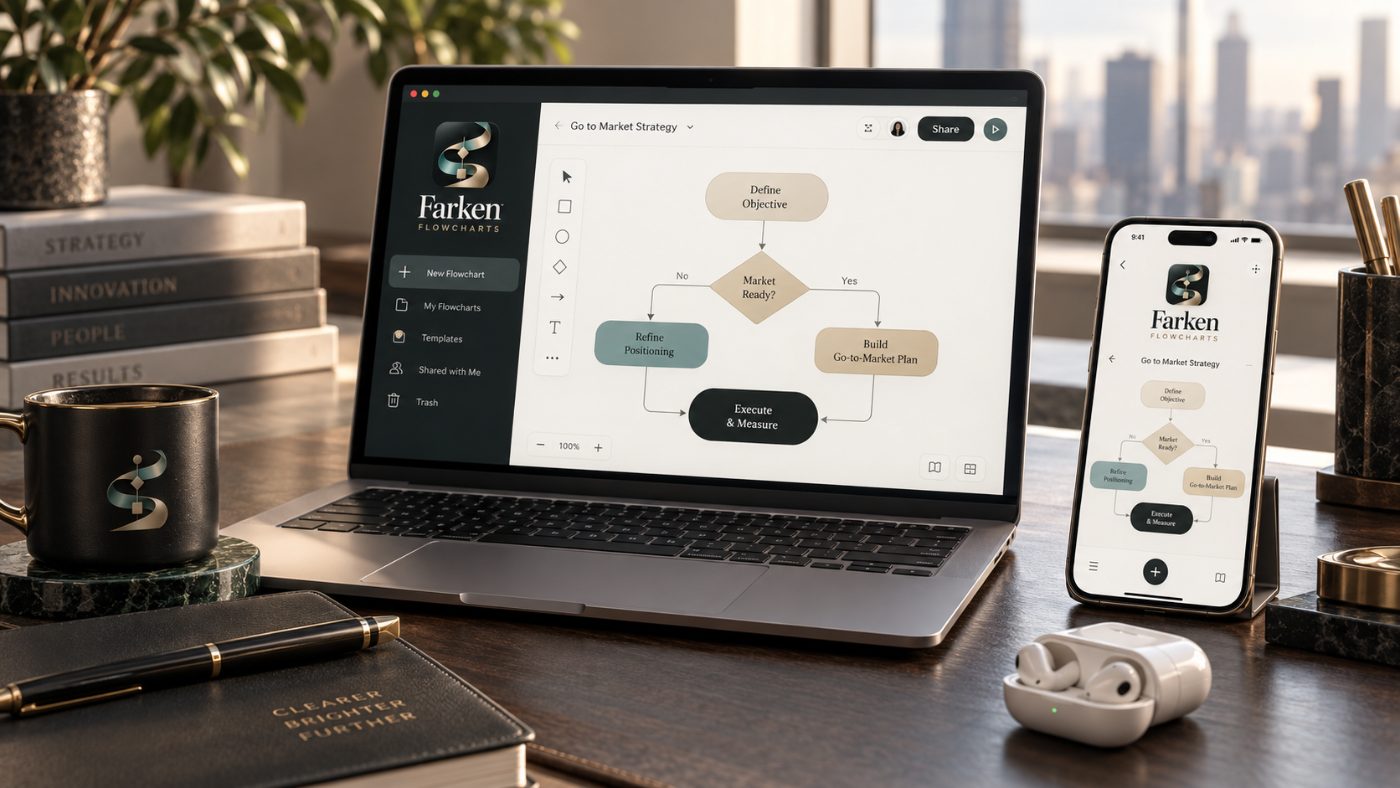
Clarity moves business forward. Process mapping for professionals and people who bill by the hour. Draw the as-is, argue the to-be, count the handoffs, and export something the board will actually read.
Strategy and operations consultants who redraw a swim lane at 11 pm before a steerco.
Process and continuous improvement leads who need before and after numbers side by side.
Supply chain and finance teams mapping how work crosses departments, and where it waits.
Anyone in a room editing live while five people talk over each other.
One tool, four sizes of engagement
A six-box sketch and a forty-node, timed, versioned process map are the same file. The interface grows or shrinks around it; nothing is ever deleted when you switch.

Lanes, nine shapes, connectors and a note on anything. For the workshop where nobody has time for notation theory.
Everything else is switched off, not missing.
Current and future state in one file. Toggle between them or overlay both and see what is added, what disappears, and what merely moves.
The comparison is the deliverable of most process workshops.
Put numbers on the picture. Owner, system, hands-on and waiting time per step; the tool rolls them up along the longest path and counts every handoff across a pool boundary.
Untimed steps are counted, never treated as zero.
Pass the file, get it back marked up. Threaded comments on any element, resolvable, attributed, timestamped, with the open points register as the shared to-do list.
The only tier that needs an account. Everything else runs offline.
AI import
Your process lives in your inbox, your meeting notes and your head. Farken does not need its own chatbot to get at it. Paste our brief into whichever assistant already holds your information; it interviews you, writes the file, and we check it before a single box touches the canvas.
Works with any assistant that can read a web page. Read the syntax guide
Built by former consultants
So we built the tool we wanted in the room: fast enough to keep up with speech, quiet enough to project, and good-looking by default so the picture goes straight into the deliverable.
Enter adds the next step, already connected, already in naming mode. Tab changes its shape. You capture the conversation instead of apologising while you drag boxes.
No chrome, correct margins, one typeface, hairlines. Paste the canvas into a board deck and nobody asks which tool it came from.
Lead time along the longest path, hands-on against waiting, handoffs per pool pair, an issue register assembled from what you flagged. Recomputed per state, so before and after sit side by side.
The file is yours and stays on your machine until you choose to share it. JSON that round-trips exactly, PNG and SVG that paste cleanly.

The point of the speed
A tool that keeps up with the room means the steerco pack is done in the room. The evening is yours again; the diagram already looks like a deliverable.
Get started

Map it. Mean it.
Move with it.
Farken Flowcharts